
Global insured losses from natural catastrophes reached USD 137 billion in 2024, the fifth year running above USD 100 billion, according to the Swiss Re Institute. For a mid-market carrier or third-party administrator that spent those years adding claims handlers to keep pace, that figure is a specific operating problem, not a market headline. The volume keeps arriving, the statutory deadlines for acknowledgement, decision and payment do not move, and the floor cannot grow fast enough to carry both. Claims automation is how operations answer that pressure, and the return depends almost entirely on which layer you buy and in what order.
The two layers vendors both call “claims automation”
If you run claims, you have probably accepted that manual handling now caps your throughput, and you are working out what to buy. The market answers that question badly. RPA vendors tell you claims automation means software robots. Document-AI vendors tell you it means reading the file. Each describes a real part of the work and sells its part as the whole. We set out the full three-layer model of claims automation, and the property and casualty version in insurance claims automation. This piece deals with the two layers you actually choose between: RPA and document AI.
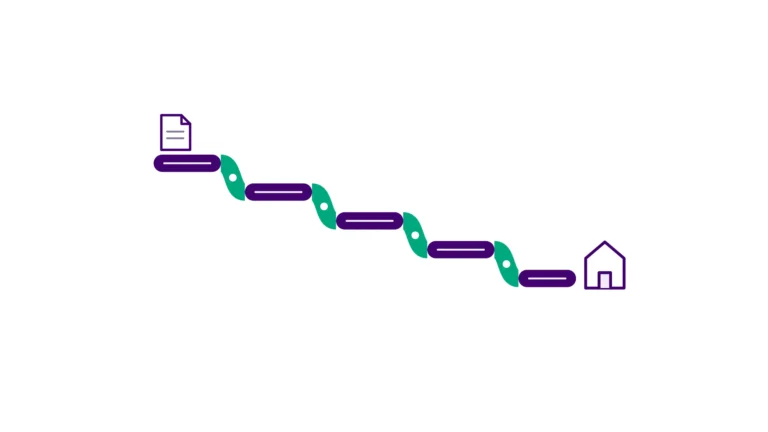
Both pitches rest on one problem, which we call the Human API problem. Your handlers are the integration layer that holds together a claims platform, a policy database, a clearing system and a stack of portals nobody connected. When a handler retypes claimant data across four screens, they are not adjudicating; they are carrying data by hand because the software will not. RPA and document AI each take over part of that work, but different parts. Buy one without knowing which is which and you leave the handoffs in place and still pay for them.
Why the timing forces the decision now
The pressure is structural, not seasonal. Claim volume has stepped up across property and casualty, and the Swiss Re figures show it holding rather than reverting after a single bad year. At the same time, the deadlines are fixed in law. The NAIC Unfair Claims Settlement Practices Model Act, and the state prompt-payment statutes built on it, set clocks for acknowledgement, decision and payment, and they add interest when you miss one.
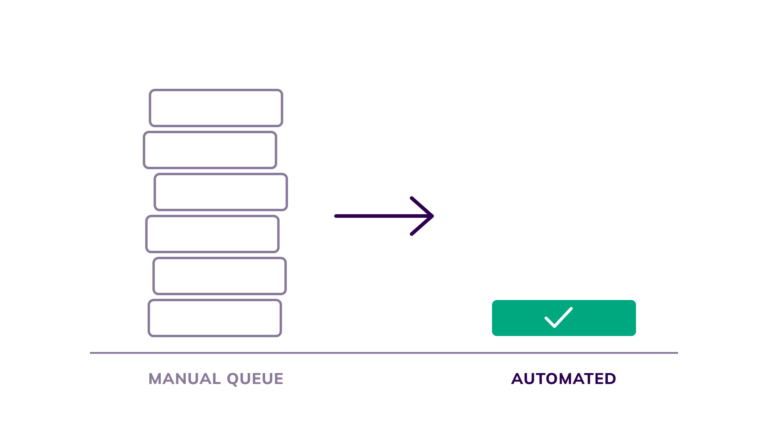
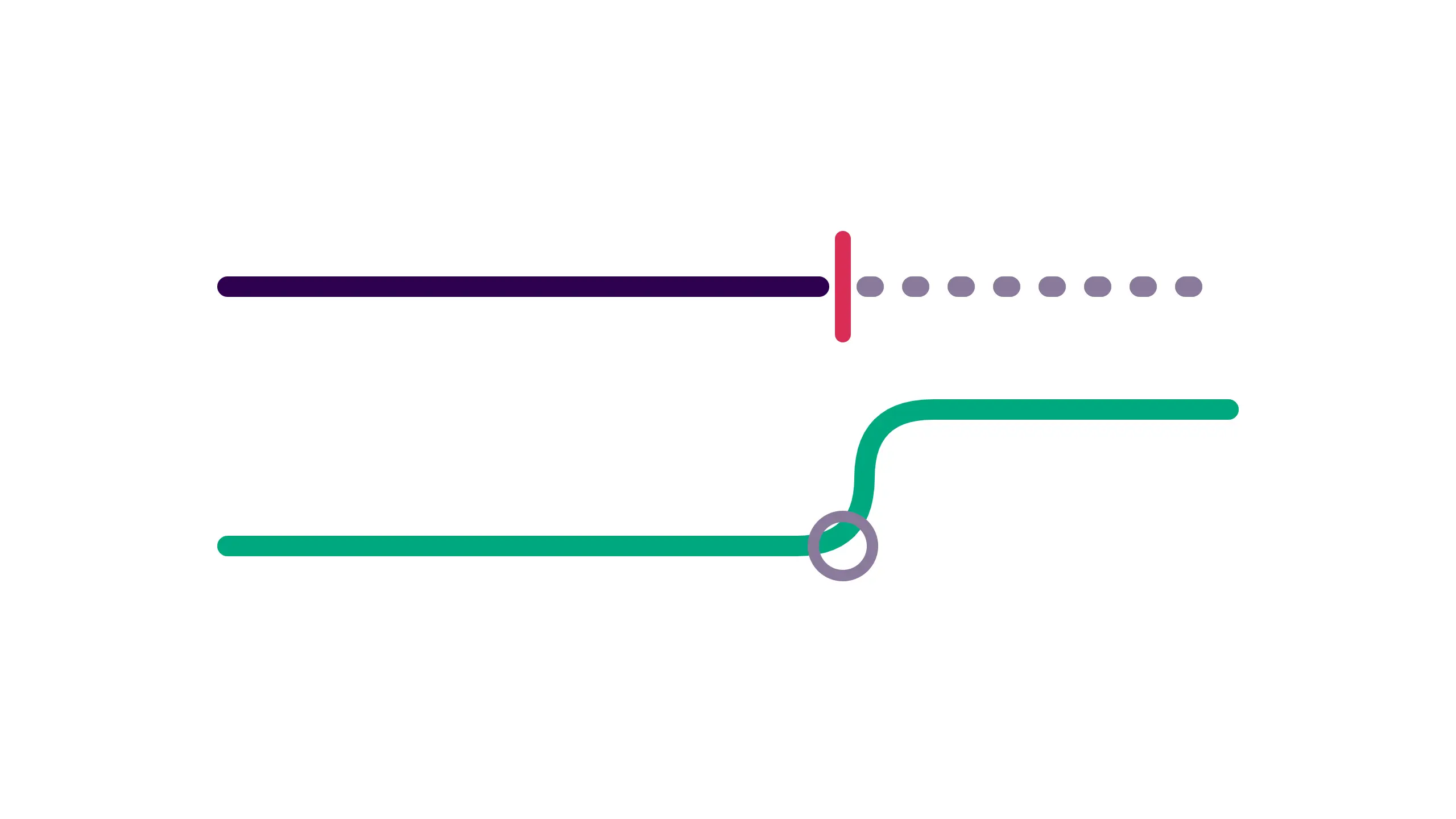
Volume rises while the deadlines hold. An operation that met them by hiring reaches a point where the numbers stop working, because each new handler clears a set number of files and the queue grows faster than the floor. This is the Manual Wall in a claims operation: throughput set by how many trained people sit on the queue, not by the systems underneath them. Once you hit it, the only lever that does not add permanent payroll is buying the right layer in the right order.
What does RPA actually do in a claims file?
RPA is software that copies the keystrokes a person makes across systems. In claims, it handles the repetitive, rule-based steps that run the same way every time:
- re-keying intake details into the claims system
- dropping a claim number and status into a letter template
- updating the compliance tracker so the audit trail holds
- sending the standard acknowledgement that goes out on every file
It works one screen to the next as a handler would, but it does not tire late in the day and it does not mistype a policy number on the two-hundredth file. On a step that runs tens of thousands of times a month, that consistency is most of the saving.
RPA pays because so much claims work is mechanical. A handler moving intake data between four systems is following a script, and a bot follows that script more cheaply. This is the layer we build first when we map a workflow at Digital Forms. It is quick to set up on a well-defined step, and the return shows within weeks. It also has the harder limit of the two layers, and that is where document AI comes in.
What can document AI do that RPA can’t?
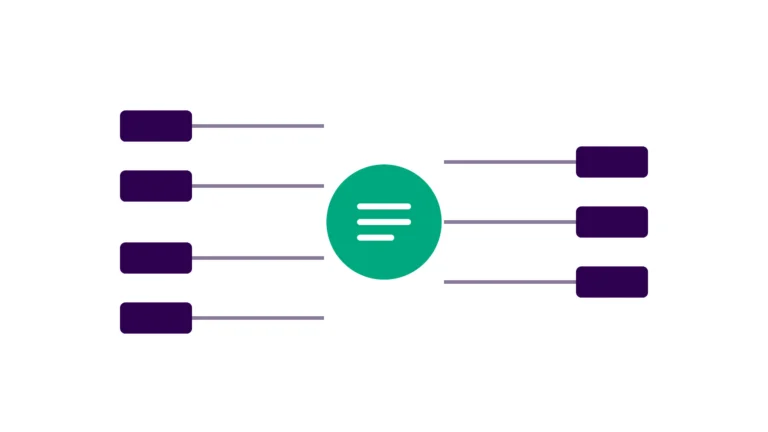
RPA needs structured, predictable screens. It stalls as soon as the task means reading something unstructured, and a claim carries a lot of that: loss reports, repair estimates, damage photographs, adjuster notes and claimant letters. A bot cannot lift the repair total off a body shop’s estimate when every shop prints it in a different place. Document AI does that job. It reads the page, finds the fields that matter, works out what kind of document it is, and hands structured data back to the workflow, so nobody retypes figures off a scan.
For a buyer, the difference is the state of the data. RPA moves data that is already structured, while document AI builds structure from content that arrives with none. On a clean web-form FNOL, RPA on its own carries the file a long way. On a scanned packet with three attachments, RPA has nothing to grab until document AI has read it first. Most files are a mix of the two, so if you buy one layer and expect the result of both, the work the missing layer would have cleared stays on someone’s desk.
| Robotic process automation (RPA) | Document AI | |
|---|---|---|
| What it does | Copies the keystrokes a person makes across systems | Reads a document, finds the fields that matter, and returns structured data to the workflow |
| Data it needs | Data that is already structured, on predictable screens | Unstructured content: loss reports, estimates, photographs, adjuster notes, letters |
| Best-fit claim steps | Re-keying intake, correspondence, compliance updates, status checks | Attachment intake, reading estimates and loss reports, classifying documents |
| Where it breaks | Steps that change too often, or that depend on reading a document | Needs tuning on real examples before it reaches full accuracy |
Should you deploy RPA or AI first?
Most comparison articles dodge this question, but it has a real answer, and that answer does not depend on what a vendor is selling. Deploy against the steps that cost you the most first, and let each step decide the layer. Walk the claim from first notice to closure. Mark every step as clerical or judgement, and for each clerical step, note how often it runs and whether the data it moves is already structured. A step that runs thousands of times a month on structured data is an RPA job, and it is usually the fastest money in the building. A step that runs just as often but depends on reading a document is a document-AI job, and RPA will not touch it however much you buy.
The order then comes out of the map, not out of a rule. A carrier with mostly clean digital intake gets its first and biggest return from RPA on the re-keying and correspondence steps, and reaches for document AI later, once the cost that is left sits in the attachments. A TPA buried in scanned packets works the other way round. Until document AI reads the packet, there is nothing structured for a bot to move, so the reading layer has to come first or the bots sit idle. Producing that order for your operation, with a cost against each step, is what we built our Profit Leak Diagnostic to do. Getting the order wrong rarely sinks the programme, but it is expensive, because you spend first on the layer that clears less and delay the return you could have booked.
Where RPA breaks in claims
The most common way an RPA programme disappoints is not a technology failure. It is a bot pointed at the wrong step, either because the process changes too often for a scripted bot to keep up, or because the step depends on reading unstructured content the bot cannot interpret. Change a form, or change a required field in one state, and a brittle bot breaks, so someone has to rebuild it and the upkeep quietly eats the saving. This is why the mapping matters more than the tool: a bot on a stable, high-volume, structured step runs for years, while a bot on a step that keeps shifting, or that leans on documents, turns into a maintenance liability.
There is a second failure, and it is quieter. An operation automates the easy clerical steps, books the saving and calls the job done, while the expensive work still runs by hand: the exceptions and the document-heavy files. The bot cleared the light volume and left the heavy volume, so your cost per claim barely moves even though plenty is now automated. To get past that, fund the document layer as part of the same programme from the start, rather than a phase two nobody gets to. We wrote about the staffing version of this trap in why hiring more analysts won’t fix the claims bottleneck. The automation version works the same way: it clears the visible work and leaves the costly work where it was.
What does claims automation actually return, and how fast?
The return on a claims automation programme does not follow the technology you pick; it follows the steps you automate, and the share of handling time those steps take up. Point a layer at a step that eats a large part of the day and the return is quick and easy to see. Point the same layer at a rare exception and it returns almost nothing, however clever the tool. This is why two operations can buy the same RPA licence and get completely different results: one aimed it at the re-keying that took up a third of a handler’s day, the other at a task that came up twice a week.
Speed works the same way. RPA on a stable, structured, high-frequency step is usually the fastest payback in a claims operation, because it is cheap to build and the volume is already there. Document AI takes a bit longer to reach full accuracy on a document type, because you have to tune the model on real examples, but on a high-volume attachment it clears cost that RPA never could. The honest headline is simple: with the order right, your first return shows within weeks, and any programme that quotes a payback measured only in years is either badly sequenced or overscoped.
What a real claims operation looks like when you map it
Take a mid-market TPA that runs a few hundred thousand files a year across property and casualty. Intake comes in as a mix of clean portal submissions and scanned packets, and the operation has held its service levels by adding handlers each time volume stepped up. Map a book like that and you tend to see the same three-part shape:
- a large block of high-frequency re-keying and correspondence, which is pure RPA work
- a smaller but more expensive block of attachment reading, which only document AI touches
- a genuine judgement core, which stays with people
The clerical share is usually bigger than the operation expects, often more than half the handling time on a routine file, because the connector work stays invisible until someone counts the screens. Once you can see it laid out step by step, the split between an RPA job and a document-AI job is usually obvious.
Order the work well and the RPA layer on the re-keying steps tends to pay back inside the first working build, with the document layer following against the attachment cost once the map has shown where it belongs. None of this needs a client’s name to be true, because the pattern is structural. It shows up in any claims operation that grew its capacity by growing its floor. What changes from one operation to the next is the order of the work, and the order comes from the map.
What to do about it
If you are weighing RPA against document AI right now, start with a map rather than a purchase. Walk one representative claim from end to end. Count the systems it touches and the steps a person does by hand, and mark each step as either moving structured data or reading unstructured content. That one exercise tells you which layer belongs where, and roughly what each step is costing you, which is most of the buying decision made before a vendor is in the room. Producing exactly that, with a number against each leak, is what our Profit Leak Diagnostic is built to do.
When you are ready to build, keep the first move small and let it prove the return before you widen the programme. We put the first layer on a single high-cost step in an Operations Sprint: a fixed-price build scoped to get one automation live and show its return inside the sprint, rather than at the end of a multi-year plan. Choose that first step from the map instead of from a vendor’s demo, and it pays for the next one, so the sequence funds itself from there.
RPA and document AI cover two halves of the same claim, and the operation that gets a return is the one that knows which half it is buying before it signs. The comparison worth running is not the two technologies in the abstract; it is your own claim file, walked step by step, with the layer each step needs written next to it.